
Account security
The settings menu has two halves. My account holds what is yours alone — Profile, Security, Preferences, Personal data, Delete my account. The organisation’s half holds what every member shares — among them Security, API Keys and Danger zone. This page covers both.
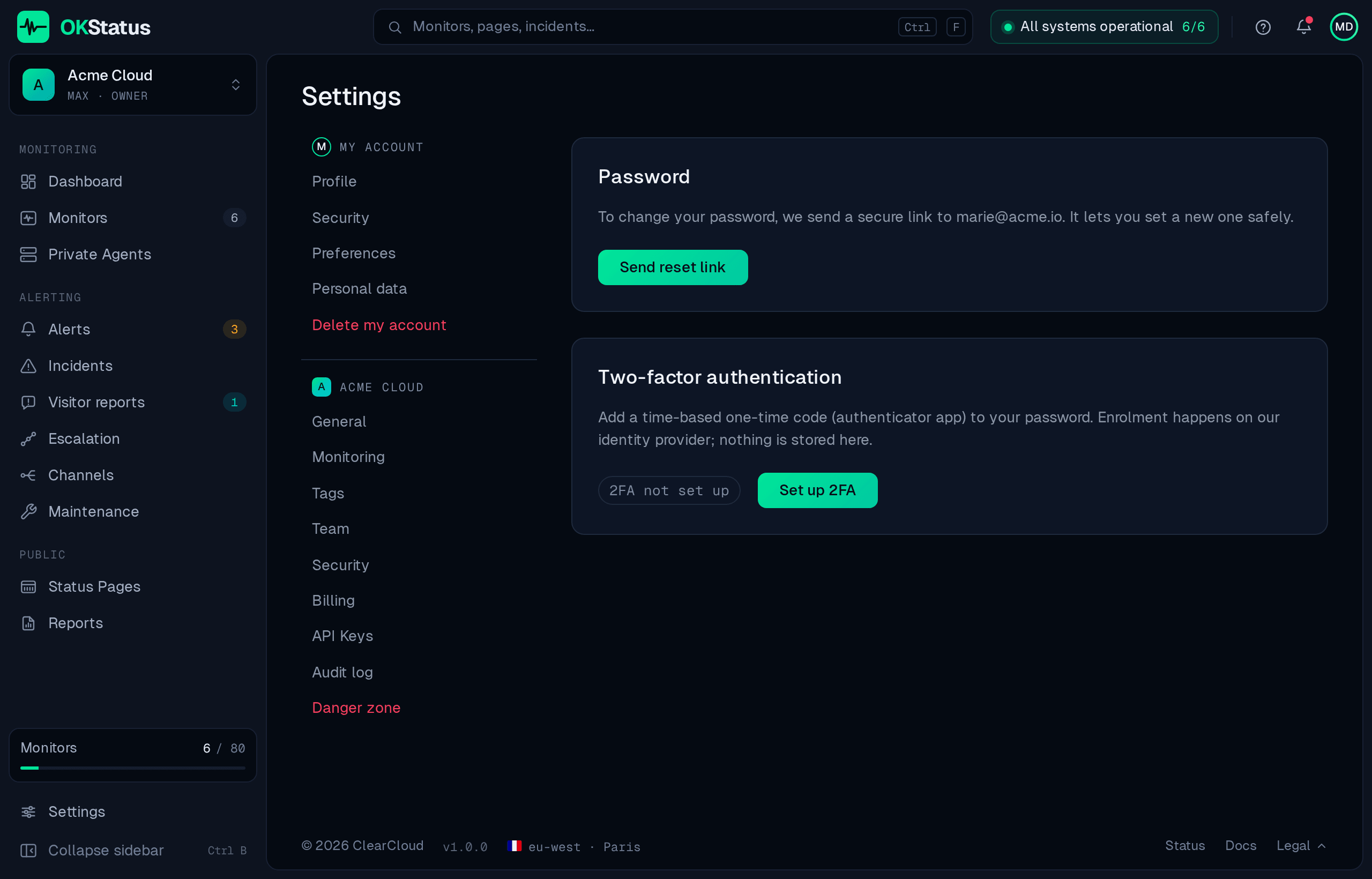
Password
Section titled “Password”OKStatus never stores your password: sign-in runs on Keycloak, hosted in France.
To change it, use Send reset link on My account → Security — a secure link is emailed to your address and lets you set a new one. If you sign in through Google, GitHub, GitLab or your company’s SSO, there is no OKStatus password to change; the page tells you which provider owns your account instead.
Two-factor authentication (2FA)
Section titled “Two-factor authentication (2FA)”Available on every plan. Add a time-based one-time code from an authenticator app on top of your password:
- Go to Settings → My account → Security.
- Click Set up 2FA — you’re taken to the identity provider’s enrolment screen.
- Scan the QR code with your authenticator and confirm.
The page shows 2FA enabled once done, and Add another device lets you enrol a second authenticator. The secret lives on the identity provider; nothing is stored on the OKStatus side.
Requiring 2FA for the whole organization
Section titled “Requiring 2FA for the whole organization”On Enterprise, the organisation’s own Security page has a switch: All members must use 2FA. Members without an authenticator are redirected to the enrolment screen on their next request. Organizations that require SSO are exempt — the identity provider enforces MFA for them.
API keys
Section titled “API keys”API keys authenticate the public REST API and the Terraform provider. They are available on the Max plan and above.
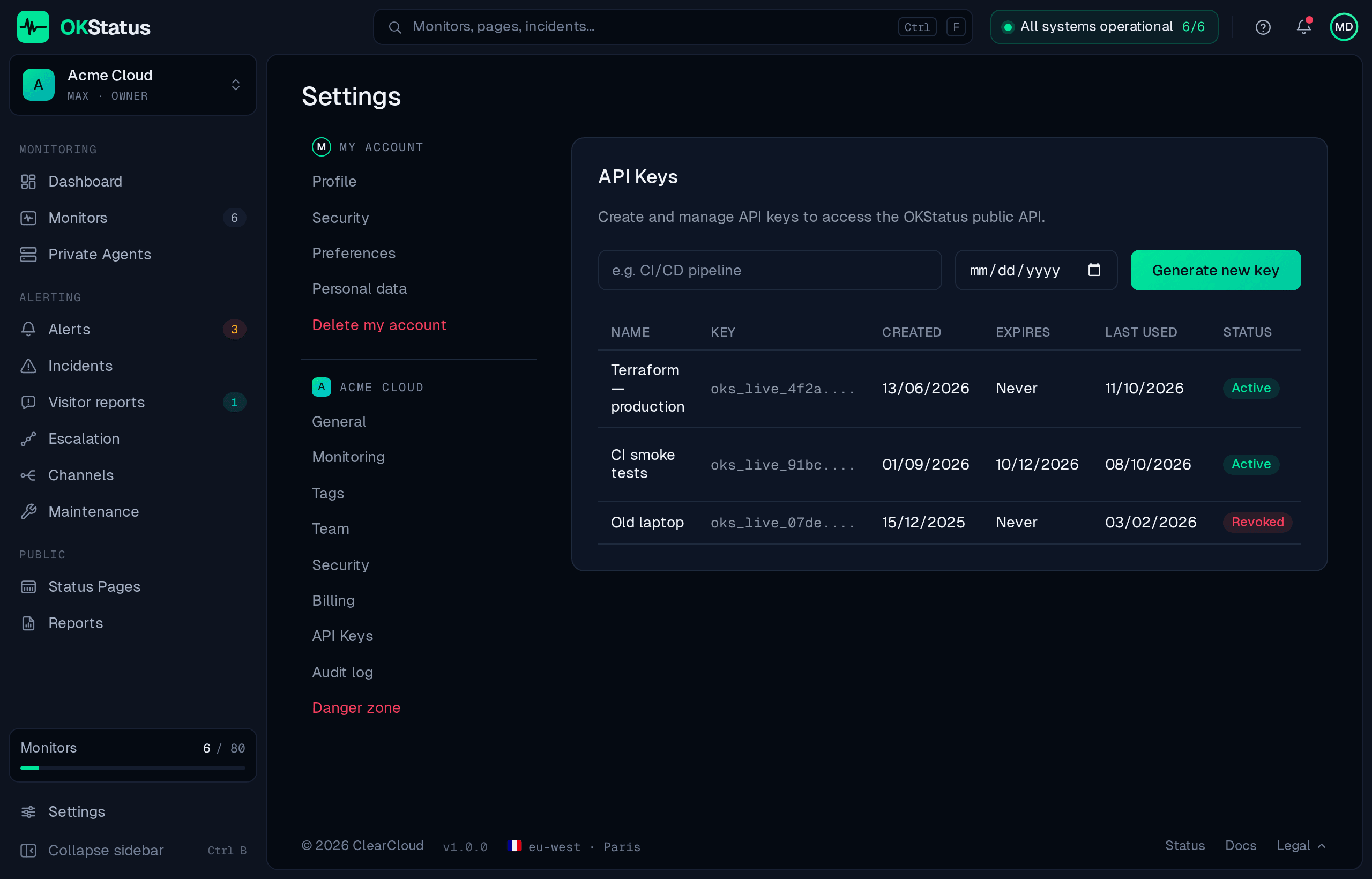
- Go to Settings → API Keys.
- Give the key a name (e.g. “CI/CD pipeline”) and, optionally, an expiry date — leave it empty for a key that never expires.
- Click Generate new key and copy it immediately: the
oks_live_…value is shown once and never again.
The list shows each key’s name, masked value, creation date, last use, expiry and status. You can Rotate a key — which issues a new value for the same entry — or Revoke it outright; both take effect immediately.
Keys with an expiry date send a reminder email to the organization’s owner at 30, 14 and 7 days before they expire, once per stage.
Your data (GDPR)
Section titled “Your data (GDPR)”- My account → Personal data → Export my data builds a ZIP archive of everything tied to your organization — monitors, incidents, checks, alerts — and starts the download. A backup link is emailed to you as well; both expire after 48 hours.
- My account → Delete my account deletes your account, irreversibly, along with your identity-provider login. What happens to the organization depends on who you are in it: a member simply leaves, and the organization stays in place for the others; an owner with other members must first hand ownership over (Make owner, in Team) or delete the organization; if you are its only member, the organization goes with you.
- Danger zone → Delete the organization is the owner’s action. It permanently removes the organization and everything in it — monitors and their history, status pages, alert channels, API keys and the audit log — cancels the subscription and notifies the other members by email. You must type the organization name to confirm.
How OKStatus protects the data you store
Section titled “How OKStatus protects the data you store”- Secrets are encrypted at rest with AES-256-GCM under a key that is not
stored with the data: monitor credentials (HTTP basic auth, database user and
password, LLM API keys), alert-channel tokens and webhook secrets, and API
keys. They are masked as
***in the API, in exports and in the audit log, and scrubbed from error messages. - TLS 1.2+ on every public host, with HSTS.
- Each probe has its own credential, bound to its region: it only receives the checks of that region and can only report results for it. A credential can be revoked on its own, without touching the other regions.
- Roles (owner, admin, member, viewer) are enforced server-side, not just in the interface — see Team & roles.
- Everything that changes is written to the audit log.
The full picture, including hosting, sub-processors and vulnerability disclosure, is on the Trust center.